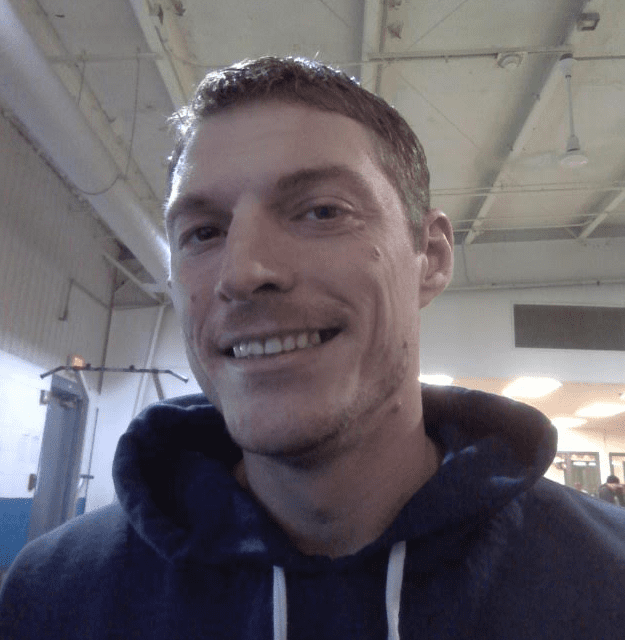
Hey there! Looking to connect and share some life experiences.
Hello! I’m hoping to find some genuine people to chat with. Life in here is about making the most of every day, and right now, a big part of my focus is on my studies. I’m working hard to earn my CDCA credentials – that’s Chemical Dependency Counselor Assistant certification. It’s a path that really speaks to my heart, especially after being clean and sober for over 3.5 years. I’m really passionate about helping others find their way through addiction and into recovery, and I feel like this is the best way I can contribute.
My days are also brightened by a furry friend named Loki! He’s a Shepherd Chow mix, and I’m taking care of him through the dog care program. He’s a great companion and a constant reminder of the good things in life.
When I’m not hitting the books or playing with Loki, you’ll usually find me at the gym. Working out keeps me feeling good about myself, physically and mentally, and it’s a great way to stay active and positive. I’d say I’m pretty easygoing and generally optimistic, and I value having a good social connection, though I prefer to keep my close friendships tight. For me, having a few really meaningful friends means more than having a crowd. Respect and honesty are super important to me in any relationship.
I’m really looking forward to some warm conversations and perhaps building some lasting friendships with people who share similar values or are just up for a good chat.